
Supporting Information
Supporting Information includes a PDF file with the expanded description of data processing and ten videos derived from two distinct experimental samples. The videos (Supporting Information Files 2–11) illustrate various stages of video processing, object recognition, and nanotube tracking as described below. Note: Recognition and tracking were performed only on the video in Supporting Information File 2 as it was excluded from model training to avoid bias. The image sequences in Supporting Information Files 6–11 can be viewed using the open source free software ImageJ [35,36].
| Supporting Information File 1: Additional information regarding video processing. Expanded description of the differential video processing, comprehensive explanation of model training process, evaluation of different models, and description of tracking process. | ||
| Format: PDF | Size: 1.8 MB | Download |
| Supporting Information File 2: This video shows raw, fixed-frame, and rolling-frame (differentially processed) in situ sequences. | ||
| Format: TIFF | Size: 98.7 MB | Download |
| Supporting Information File 3: This video presents the differentially processed sequence after object recognition. Masks and bounding boxes are superimposed on the left and right halves of the frame, respectively. | ||
| Format: TIFF | Size: 98.7 MB | Download |
| Supporting Information File 4: This finalized differential video demonstrates the complete recognition and tracking pipeline, including application of the Hungarian algorithm, Kalman filtering, and manual verification. Masks are displayed on the left side and bounding boxes on the right. | ||
| Format: MP4 | Size: 11.9 MB | Download |
| Supporting Information File 5: This video shows raw, fixed-frame, and rolling-frame (differentially processed) in situ sequences. | ||
| Format: MP4 | Size: 5.3 MB | Download |
| Supporting Information File 6: This video shows an uncompressed .tiff image sequence of the raw sequence corresponding to the content shown in the video in Supporting Information File 2. | ||
| Format: MP4 | Size: 10.3 MB | Download |
| Supporting Information File 7: This video shows an uncompressed .tiff image sequence of the fixed-frame processed sequences corresponding to the content shown in the video in Supporting Information File 2. | ||
| Format: MP4 | Size: 9.3 MB | Download |
| Supporting Information File 8: This video shows an uncompressed .tiff image sequence of the rolling-frame (differentially processed) sequences corresponding to the content shown in the video in Supporting Information File 2. | ||
| Format: TIFF | Size: 98.5 MB | Download |
| Supporting Information File 9: This video shows an uncompressed .tiff image sequence of the raw sequence corresponding to the content shown in the video in Supporting Information File 5. | ||
| Format: TIFF | Size: 98.5 MB | Download |
| Supporting Information File 10: This video shows an uncompressed .tiff image sequence of the fixed-frame processed sequences corresponding to the content shown in in the video Supporting Information File 5. | ||
| Format: TIFF | Size: 98.5 MB | Download |
| Supporting Information File 11: This video shows an uncompressed .tiff image sequence of the rolling-frame (differentially processed) sequences corresponding to the content shown in the video in Supporting Information File 5. | ||
| Format: TIFF | Size: 98.7 MB | Download |
Cite the Following Article
How to Cite
Download Citation
Citation data can be downloaded as file using the "Download" button or used for copy/paste from the text window
below.
Citation data in RIS format can be imported by all major citation management software, including EndNote,
ProCite, RefWorks, and Zotero.
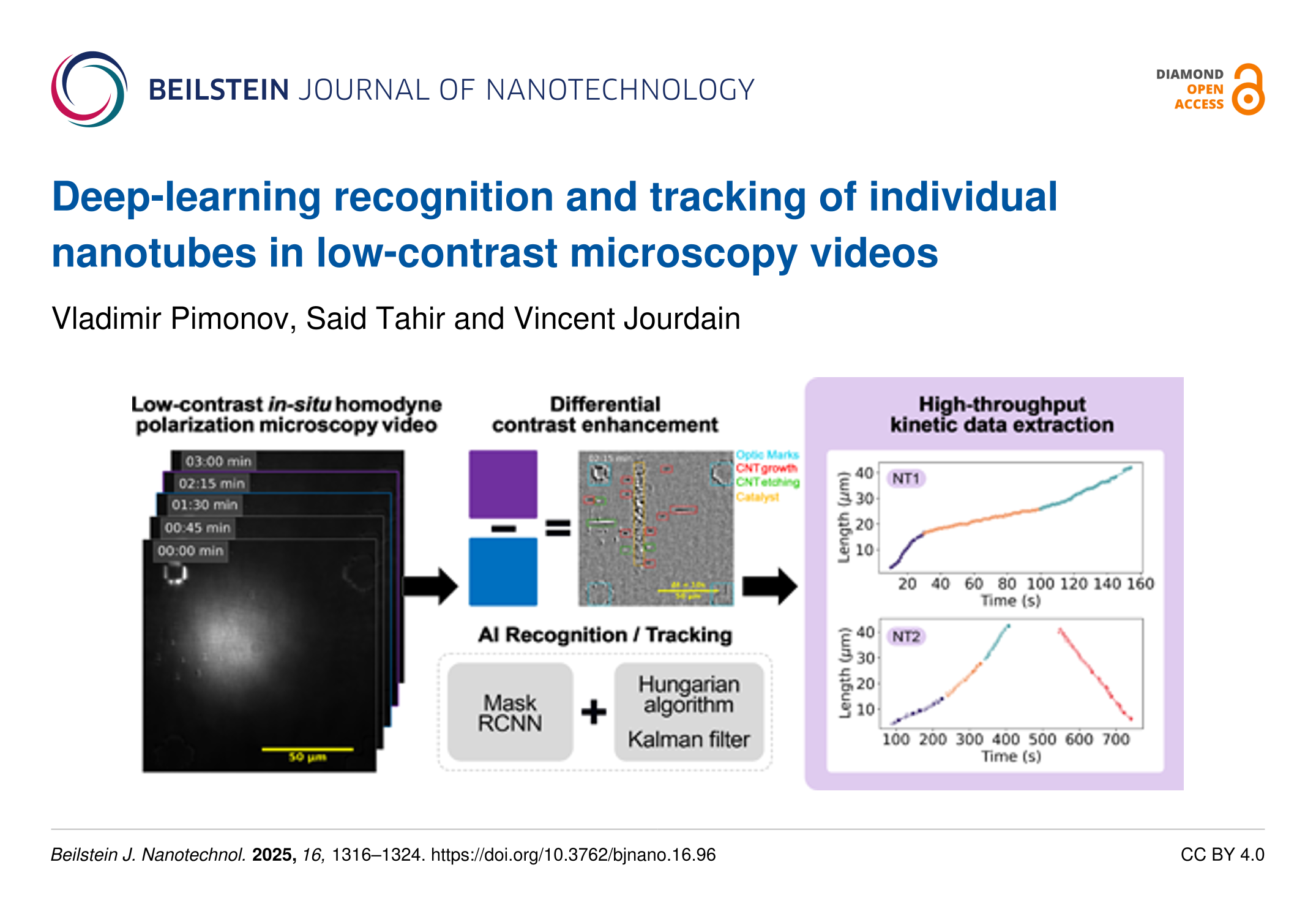
Presentation Graphic
| Picture with graphical abstract, title and authors for social media postings and presentations. | ||
| Format: PNG | Size: 9.3 MB | Download |